
Stay connected in the terminal. Enjoy complimentary high-speed Wi-Fi Internet across departure gates, dining areas, and shops for every traveller at Fuerteventura Airport.
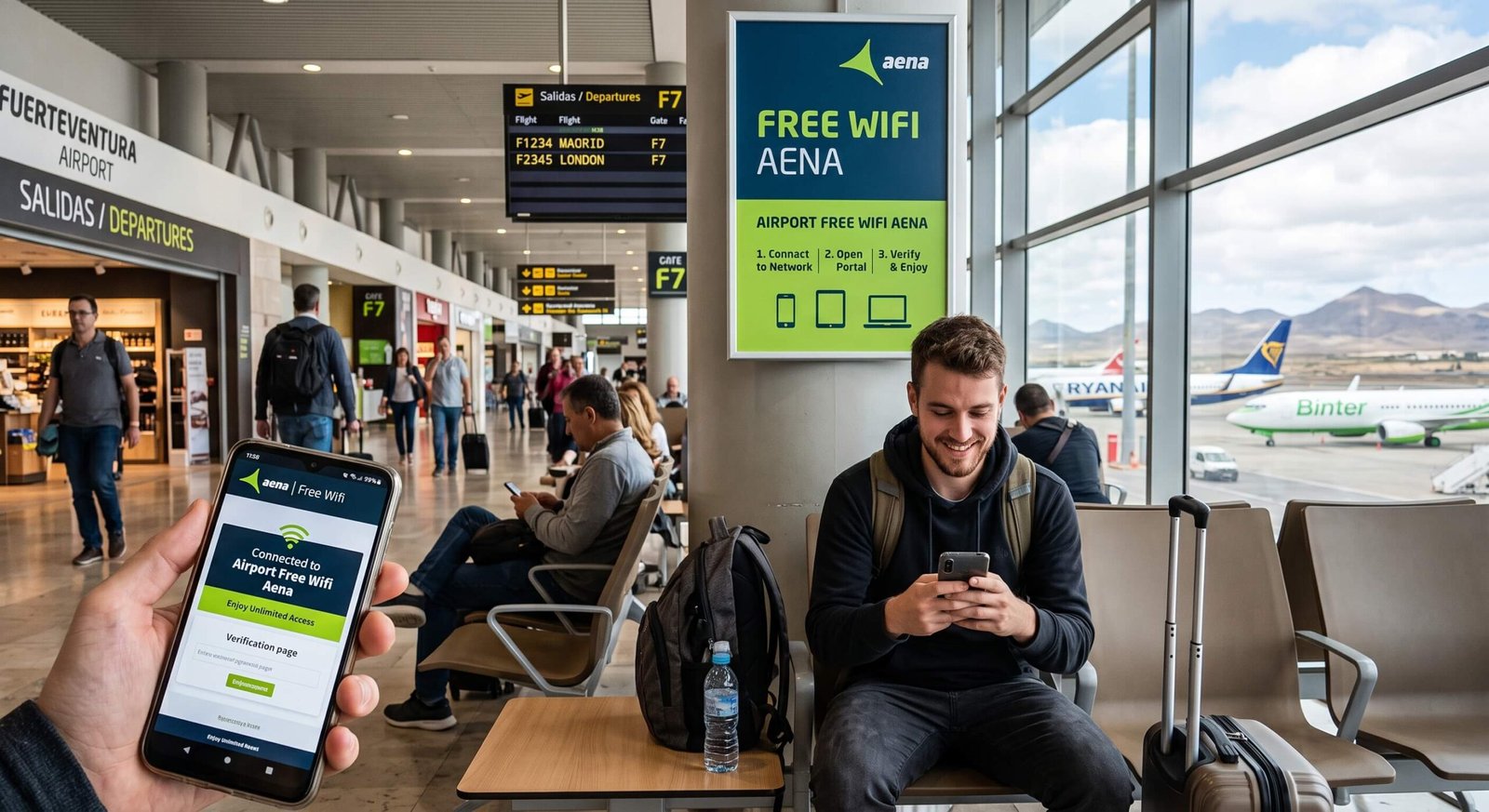
Free Wifi Quick Summary
| Detail | Information |
|---|---|
| Network Name | Airport Free Wifi Aena |
| Portal URL | freewifi.aena.es |
| Cost | 100% Free |
| Time Limit | Unlimited (after email verification) |
| Devices | Smartphones, Tablets, Laptops |
4 Steps to Connect to the WiFi at the airport
- Join Network: Select “Airport Free Wifi Aena” in your device settings.
- Open Portal: Go to freewifi.aena.es in your web browser.
- Choose Login: Enter your email as a guest or log into Aena Club.
- Verify Email: Open your inbox and click the verification link within 15 minutes to unlock unlimited access.
Device Charging Facilities at Fuerteventura Airport
Passengers can charge smartphones, tablets, laptops, and other portable devices at designated power points across the terminal. Charging facilities are available in selected seating, workstation, lounge, and public-area locations. Availability may vary by area, so passengers should check the nearby seating and work zones for accessible outlets.
Where to Find Power Outlets
| Location | What to Expect |
|---|---|
| Departure Boarding Gates | Power points are integrated into seating benches throughout the main gate lounge on Floor 1. Designated work poles and central seating clusters may include AC plugs and USB-A ports. |
| Workstations & Tables | High-top work tables with built-in power strips are located near the central commercial and café areas after security. |
| Work & Lounge Zones | The Jable VIP Lounge on Floor 1 offers individual power sockets and USB ports at every seat. |
| Pre-Security Public Areas | Limited wall sockets are located near check-in desks and main seating areas on Floor 0, the ground floor. |
Voltage & Plug Standards
| Item | Information |
|---|---|
| Voltage / Frequency | 230V / 50Hz (standard European supply). |
| Plug Type | Type C and Type F (European 2-pin / Schuko plugs). UK and US devices require an adapter. |
| USB Output | Standard USB-A ports supply 5V / 1A to 2.1A DC charging. |
Power guidance: Travellers should carry the correct travel adapter and charging cable and check that their equipment supports the local voltage. USB ports may charge more slowly than dedicated AC sockets. For safety, do not leave devices unattended while they are charging.
WiFi Troubleshooting Tips
- Portal will not open? Type freewifi.aena.es into Chrome/Safari or pause your VPN.
- No email? Check your Spam/Junk folder before the 15-minute timer expires.